
Import your existing bookings
Enter the bookings you already have before you connect Airbnb or Booking.com, so no room is sold twice.
Do this before you connect channels. Once a channel is connected, BaanHost sends it your availability. A room that is already booked but missing in BaanHost looks free, and the channel can sell it again.
Many bookings: Excel import
Owners and managers can import. The units must already exist (see Communities, units and Excel import).
- Open More → Import / Export.
- Under Import, find Stays and tap Template.
- Fill in one row per booking:
- unit_code * — the unit's code exactly as in BaanHost;
- guest_name * — a guest with exactly this name is reused, otherwise a new guest is created;
- check_in * and check_out * — dates as YYYY-MM-DD;
- rate_amount with rate_period (night, month or total), deposit_amount;
- source — walk_in, airbnb, booking, agoda, wechat, line, phone or other;
- booked_on and note (optional).
- Tap Choose file and pick the .xlsx file.
- Each imported row becomes a confirmed booking and blocks its unit for those nights. Rows that overlap another booking, fall on blocked dates or use an inactive unit are listed under Failed rows. Fix them and import only those rows again.
Pending and hourly bookings cannot be imported. Enter them by hand.
A few bookings: by hand
- Open Stays → New booking, or tap an empty cell on the Tape Chart.
- Choose the unit, the guest and the dates.
- Set the Source (Airbnb, Booking, Agoda, phone…) so your reports show where bookings come from.
- Enter the rate and the deposit, then tap Create.
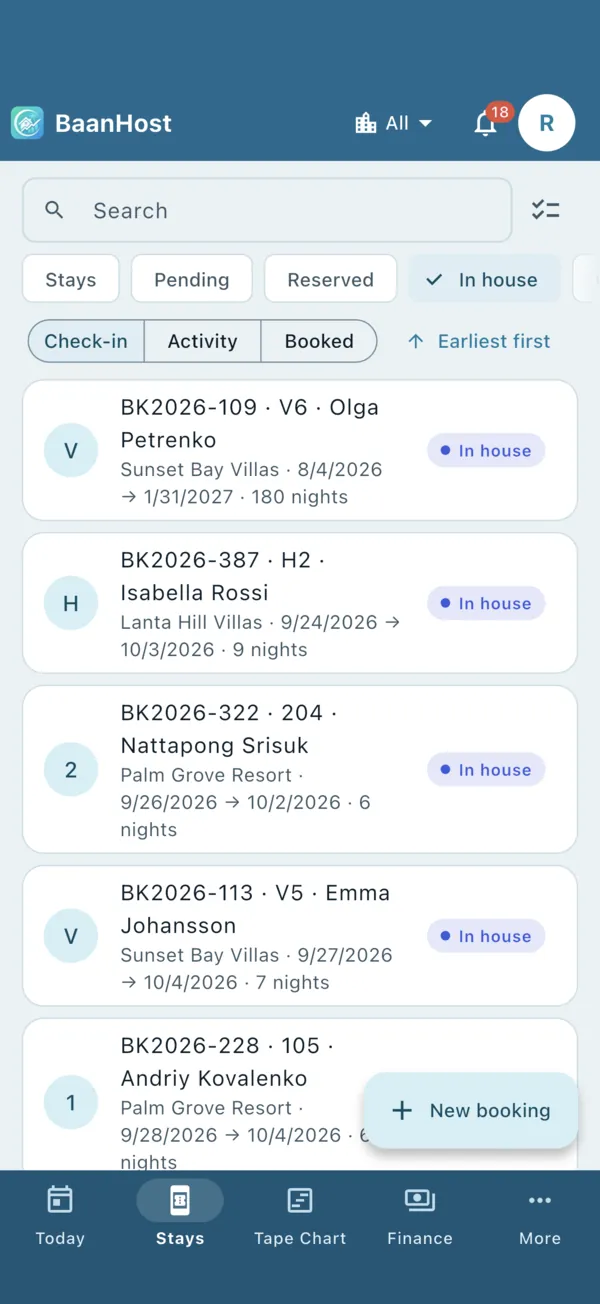
Then check the tape chart
Open the Tape Chart and scroll through the coming months. Every night already sold should be covered by a bar. When it matches your old calendar or channel extranet, you are ready to connect your channels.
Nothing to import? Mark the checklist item on the Today page as “No existing bookings”.